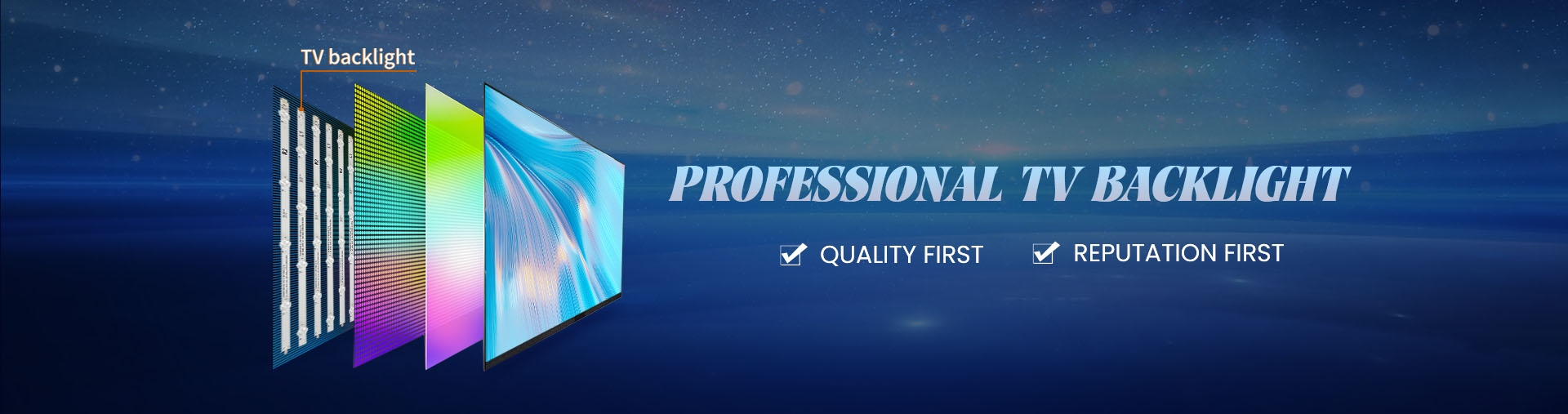
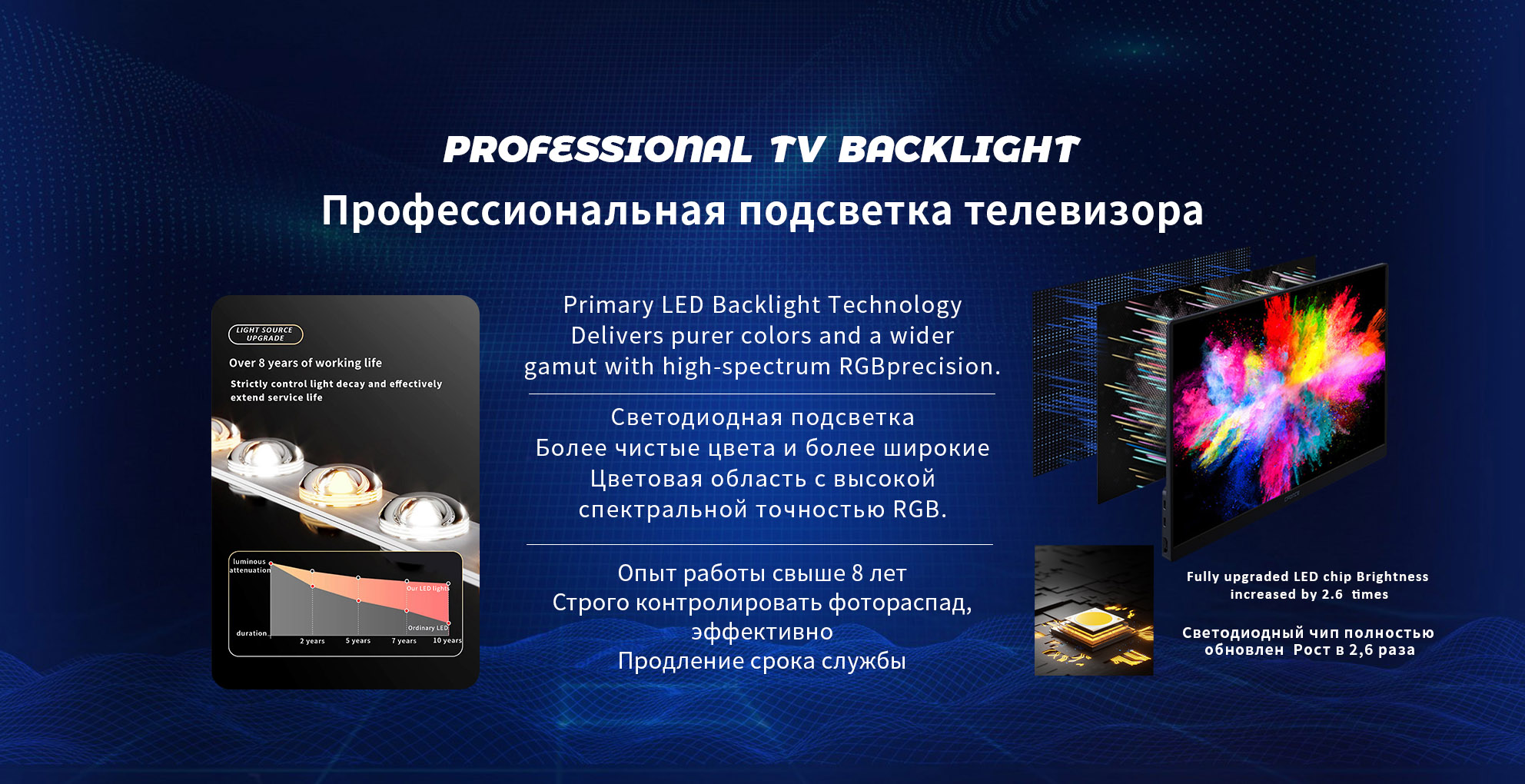
The backlight in an LED television is one of the most essential elements responsible for image visibility. It provides the illumination needed for the LCD panel to display colors and motion clearly. Understanding what controls the backlight on and off helps users troubleshoot dim screens, flickering brightness, and power-related issues. It also helps buyers evaluate the quality and stability of LED TV components, especially when comparing different manufacturing standards. This article explains how modern LED televisions manage backlight operation, what signals and hardware components are involved, and how these systems work together to deliver consistent picture performance. Toward the end, a manufacturer recommendation is provided to support users seeking high-quality LED display solutions.
Core System That Controls Backlight Operation
The backlight system is primarily managed by a coordinated group of components on the mainboard and power board. Each part sends signals that determine when the backlight should turn on, dim, or switch off. While users interact mainly through the remote control or TV menus, the actual command chain involves microprocessors, voltage regulators, and driver circuits. The sequence of control ensures that the backlight responds instantly to user commands and picture-processing requirements.
Mainboard Signal Processing
The mainboard is the central control system in an LED television. It receives the user’s input, processes video information, and sends control signals to the power circuits. When a user presses the power button, adjusts brightness, or activates picture modes, the mainboard generates a “BL-ON” signal. This signal communicates directly to the LED driver board, instructing it to activate the backlight. If the signal is absent, the backlight will not turn on, even if the TV panel displays the startup sequence. In many cases, failure in the BL-ON signal or damage to the mainboard results in a dark screen with audio still functioning.
LED Driver Board Function
The LED driver board is responsible for supplying the precise current and voltage needed by the led strips behind the display. LED televisions require stable output to maintain uniform brightness, avoid flicker, and protect the LEDs from overheating. The driver board receives two key signals: the BL-ON command and the PWM brightness control. The BL-ON command powers up the backlight, while the PWM signal modulates the brightness intensity. Pulse Width Modulation rapidly adjusts current levels to achieve smooth dimming transitions. Without the driver board functioning properly, even a correct mainboard signal will not generate backlight illumination.
PWM and Brightness Regulation
Brightness levels in LED televisions are mostly controlled through PWM. This approach adjusts the duty cycle of electrical pulses, increasing or reducing light intensity without compromising LED lifespan. Higher duty cycles produce brighter screens, while lower cycles reduce power consumption and extend panel longevity. PWM also enables advanced picture modes, such as dynamic contrast and automatic brightness adjustments. Motion scenes, dark room viewing, and energy-saving modes all rely on PWM behavior. Manufacturers design custom PWM frequencies to minimize visible flicker and optimize image comfort.
Power Supply Board and Voltage Distribution
The power supply board converts AC input into the DC voltages required by each subsystem. For the backlight, it delivers high-voltage output to the LED driver board. Stable voltage distribution is essential for consistent backlight performance. If capacitors weaken or transformers degrade, the backlight may shut off intermittently or fail to turn on. Many backlight failures originate from the power supply board rather than the led strips. Diagnostic steps typically involve verifying voltage levels across the supply lines that feed the LED driver.
Sample Voltage Output Table for Backlight Circuits
| Component | Typical Function | Voltage Output Range |
|---|
| Power Supply Board | Supplies DC power to LED driver | 24–60 V depending on model |
| Mainboard BL-ON Line | Activates backlight circuit | 3–5 V signal |
| PWM Brightness Line | Adjusts brightness intensity | Variable duty cycle |
| LED Driver Output | Feeds led strips | 60–200 V depending on configuration |
Diagnostic Indicators When Backlight Control Fails
When the backlight does not turn on, several symptoms can help identify the underlying issue. A common sign is a faint image on the screen that becomes visible only under a flashlight. This indicates that the LCD panel is working but the backlight is not illuminating. If sound is present but the screen is dark immediately upon powering up, the BL-ON signal or driver circuit may be failing. Flickering brightness can signal PWM instability or failing LED strips. Gradual dimming over months often signals aging LEDs or power supply degradation. Understanding these patterns helps technicians and buyers evaluate component quality.
How Firmware Influences Backlight Operation
Modern LED televisions integrate firmware that manages energy efficiency and display behavior. Features like Auto-Brightness, Eco Mode, HDR adjustments, and sleep timers work by controlling backlight behavior. Firmware updates can improve backlight stability, refine PWM calibration, and reduce unnecessary brightness spikes. Manufacturers use software algorithms to balance panel lifespan with visual performance. Poorly optimized firmware may cause delayed backlight activation, inconsistent dimming, or overly aggressive power saving.
Choosing Reliable Backlight Technology
When selecting an LED display manufacturer, the quality of the driver board, LED strips, and power regulation design significantly impacts long-term performance. A stable backlight system ensures clear brightness, reduced repair frequency, and comfortable viewing across different environments. Manufacturers with strict quality testing deliver more reliable LED televisions and commercial panels.
For those seeking dependable LED modules, LED drivers, and display components, Starsharp offers stable engineering solutions supported by rigorous testing standards. Their products are designed for consistent brightness performance and long-term durability, making them suitable for global OEM and commercial display projects.