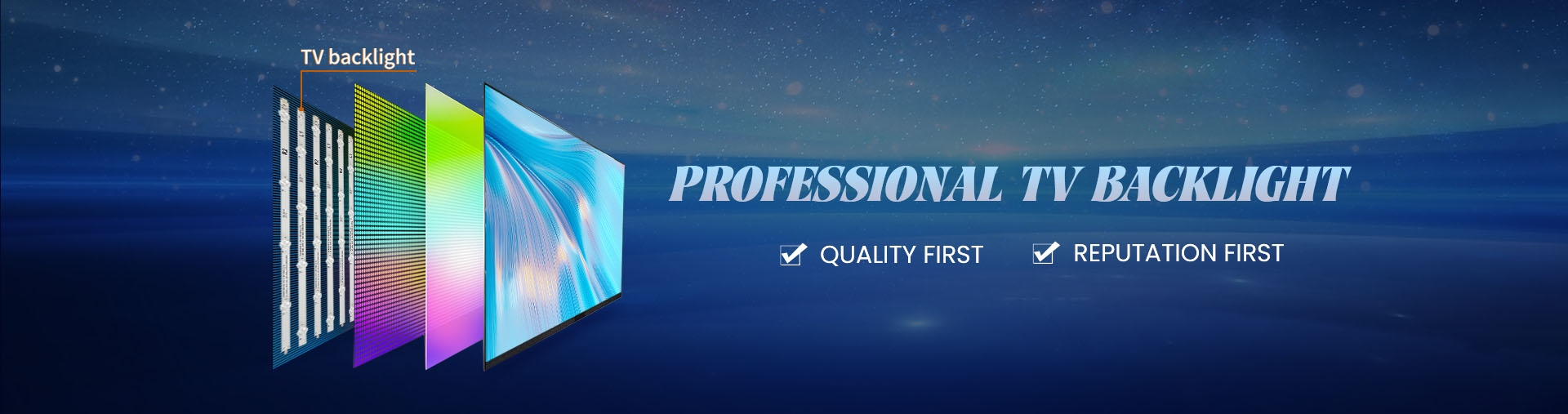
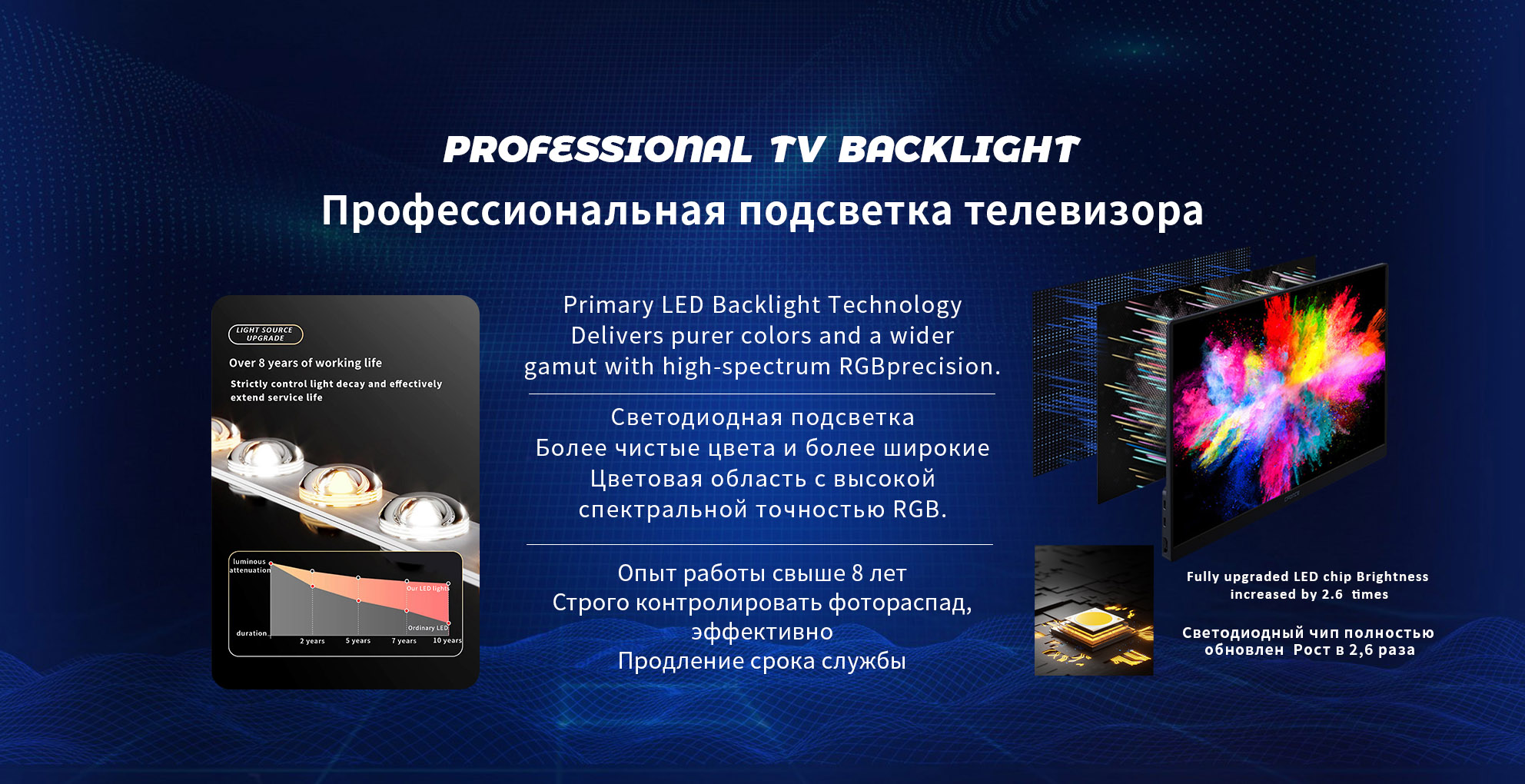
A failing tv backlight is one of the most common causes of picture-related problems in LCD TVs. Because the backlight sits behind the panel and works continuously whenever the TV is on, it is also one of the components most affected by heat, aging, and electrical stress. Recognizing the early and late symptoms of a bad backlight helps determine whether repair is possible, whether replacement is practical, and how urgently action is needed.
TV Has Sound but No Picture
One of the clearest symptoms of backlight failure is when the TV powers on normally and produces sound, but the screen appears completely black. In many cases, a very faint image can still be seen when a flashlight is pointed at the screen. This indicates that the LCD panel and main board are working, but the backlight is no longer producing light.
This symptom usually means:
One or more led strips have failed open-circuit
The backlight driver has shut down due to abnormal load
The protection circuit has detected a fault and disabled output
Dark or Black Areas on the Screen
Partial backlight failure often shows up as dark bands, patches, or zones across the screen. These areas may appear along the edges or in horizontal or vertical sections, depending on the backlight layout.
Common causes include:
Individual LED failure within a strip
Aging LEDs with reduced output
Uneven current distribution across strips
Over time, these dark areas typically grow larger as more LEDs degrade.
Uneven Brightness or Cloudy Appearance
A bad backlight does not always fail suddenly. In many cases, brightness becomes uneven across the screen. Viewers may notice cloudy regions, corner darkening, or inconsistent brightness when watching sports, movies with dark scenes, or solid-color backgrounds.
This symptom often results from:
LED aging at different rates
Thermal hotspots along long strips
Degraded optical lenses or diffuser materials
Uneven brightness is especially noticeable in large-screen TVs.
Flickering or Pulsing Light
Backlight-related flickering is different from signal or content flicker. The entire screen brightness may pulse, flash briefly, or flicker when brightness settings change.
Typical causes include:
Unstable LED driver output
LEDs nearing end-of-life and drawing abnormal current
Poor electrical contact in strip connectors
Flickering is often an early warning sign before complete backlight failure.
TV Turns On Then Quickly Goes Dark
Some TVs briefly show an image at startup and then go dark within seconds. This behavior usually indicates that the backlight protection circuit has detected a problem and shut down the LEDs to prevent further damage.
Possible triggers include:
Shorted or open LEDs in a strip
Incorrect voltage feedback to the driver
Excessive current caused by aging components
This symptom strongly points to a backlight or driver issue rather than a panel defect.
Noticeable Brightness Drop Over Time
Gradual brightness loss is a common symptom in older TVs. The screen may look dim even at maximum brightness settings, especially during daytime viewing.
This happens because:
LEDs lose light output as they age
Heat accelerates lumen depreciation
Optical materials reduce light transmission over time
Although the TV may still function, viewing comfort and image impact are reduced.
Color Shift or White Balance Changes
Backlight degradation can affect color accuracy. Whites may appear yellowish, bluish, or uneven across the screen. This is more visible in white or light-colored scenes.
Color shift is often caused by:
This symptom indicates that the backlight system is no longer operating uniformly.
Sudden Shut-Off During Extended Viewing
In some cases, the TV may shut off or the screen may go dark after running for a period of time, then work again after cooling down. This behavior points to thermal stress.
Likely reasons include:
This symptom often worsens with longer viewing sessions.
How to Distinguish Backlight Issues from Panel Problems
Backlight problems are frequently confused with panel damage. However, panel failures usually show lines, cracks, or color distortion that remains visible regardless of brightness. Backlight issues mainly affect illumination rather than image structure.
A simple flashlight test can help confirm whether the LCD image is still present behind a dark screen.
Preventing Repeat Backlight Failure
Once a bad backlight is confirmed, using well-matched, high-quality replacement strips is critical to avoid repeat failure. Proper thermal design, stable current control, and consistent LED quality significantly extend service life.
A manufacturer-focused supplier such as Starsharp provides tv backlight strips engineered for brightness stability, thermal reliability, and long-term consistency, helping reduce common failure symptoms after repair or replacement.
Conclusion
Common symptoms of a bad TV backlight include a black screen with sound, dark patches, uneven brightness, flickering, sudden shut-off, and gradual dimming. These issues typically worsen over time and are closely linked to LED aging, heat, and electrical stress. Early identification of backlight symptoms allows for timely repair decisions and helps restore stable, uniform display performance.