tv backlight flicker can appear as flashing, unstable brightness, pulsing light, or intermittent dark zones. This problem may happen during repair testing, after installation, or when brightness settings change. A tv backlight flickering issue is often linked to driver output, poor electrical contact, wrong strip voltage, damaged LED beads, unstable solder joints, or mismatched replacement parts. Understanding led flicker helps repair teams identify whether the problem comes from the strip, the power board, the connector, or the whole backlight circuit.
Flicker Usually Starts From Electrical Instability
LEDs require controlled current. When the driver output is unstable or the LED string load does not match the circuit design, flicker can happen. LED lighting drivers generally convert AC power into a lower-voltage DC output and regulate power for LEDs, so driver condition directly affects visible light stability.
In tv backlight systems, the driver board may detect abnormal current and enter protection behavior. A strip can flash once, stay dim, or shut down if the LED voltage, LED quantity, or circuit grouping is incorrect.
Common Causes of TV Backlight Flicker
1. Wrong LED Voltage
Some strips use 3V LEDs, while others use 6V LEDs or different circuit groups. If a similar-looking strip is installed without checking voltage, the TV may flicker or fail to start normally.
2. Poor Connector Contact
A loose connector, oxidized pin, damaged wire, or incorrect plug direction can create intermittent current flow. This type of fault may appear when the panel is moved or when the TV warms up.
3. Weak Solder Joint
Poor soldering can increase resistance or create an unstable connection. The strip may pass a quick power-on test but flicker during longer operation.
4. Aged LED Beads
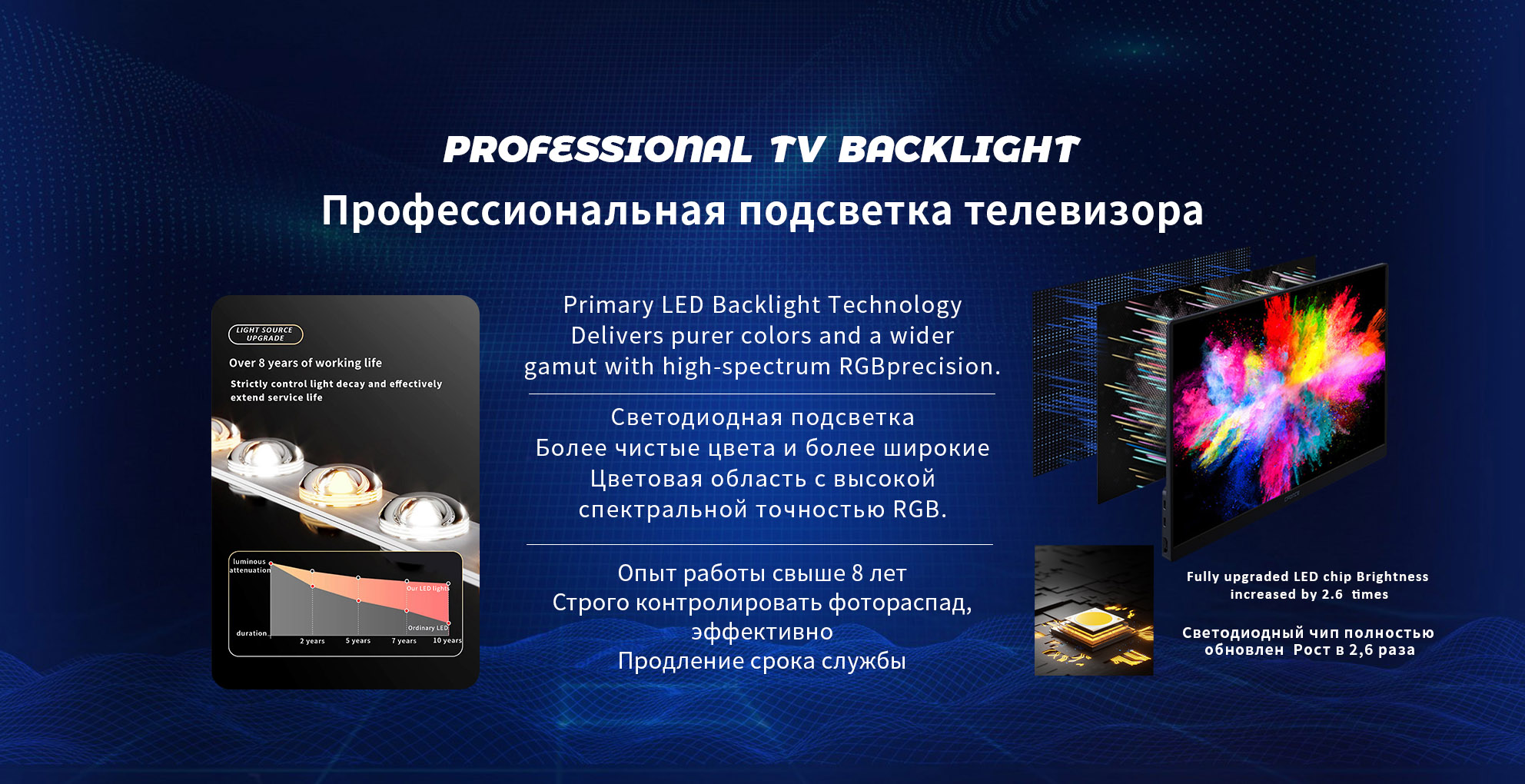
LEDs normally lose brightness over time. The L70 concept describes the point when LED output decreases to 70% of the original light output, showing why aged strips may still light but no longer perform consistently.
Diagnosis Table for Repair Work
| Symptom | Possible Cause | Suggested Check |
|---|
| Flash then shutdown | Driver protection | Check LED voltage and string load |
| Random flicker | Loose connector or solder joint | Inspect connector and solder points |
| One strip flickers | Damaged LED bead | Test strip separately |
| Flicker after heating | Thermal stress | Run longer operating test |
| Flicker after replacement | Wrong strip version | Compare strip code and LED count |
Why Replacement Matching Matters
A professional electronics supplier should confirm the original strip code, TV model, panel number, LED voltage, LED quantity, connector position, and set quantity before supplying replacement strips. Flicker problems often happen when buyers order only by screen size, because the same TV size may use different backlight versions.
StarSharp’s product range covers direct-lit strips, side-entry strips, commercial display backlight products, and universal repair strips, with more than 5,000 specifications and models available.
Testing Before Installation
Before installing a replacement strip into the panel, test the complete set under suitable conditions. Check whether all strips light evenly, whether the connector fits firmly, and whether any LED point flashes under slight movement. For higher-volume repair orders, testing should include voltage confirmation, current observation, visual brightness checking, and lens inspection.
StarSharp states that it has annual production and sales capacity above 26 million units and 10 fully automatic production lines, which supports batch production and repeat-order consistency for repair supply.
Procurement Advice
To reduce flicker-related complaints, avoid mixing old strips with new strips when brightness balance is important. Confirm strip code and LED voltage before ordering. For repeated repair models, keep approved samples and order records. StarSharp can help review backlight strip information, recommend matched replacements, and support stable supply for repair parts channels.