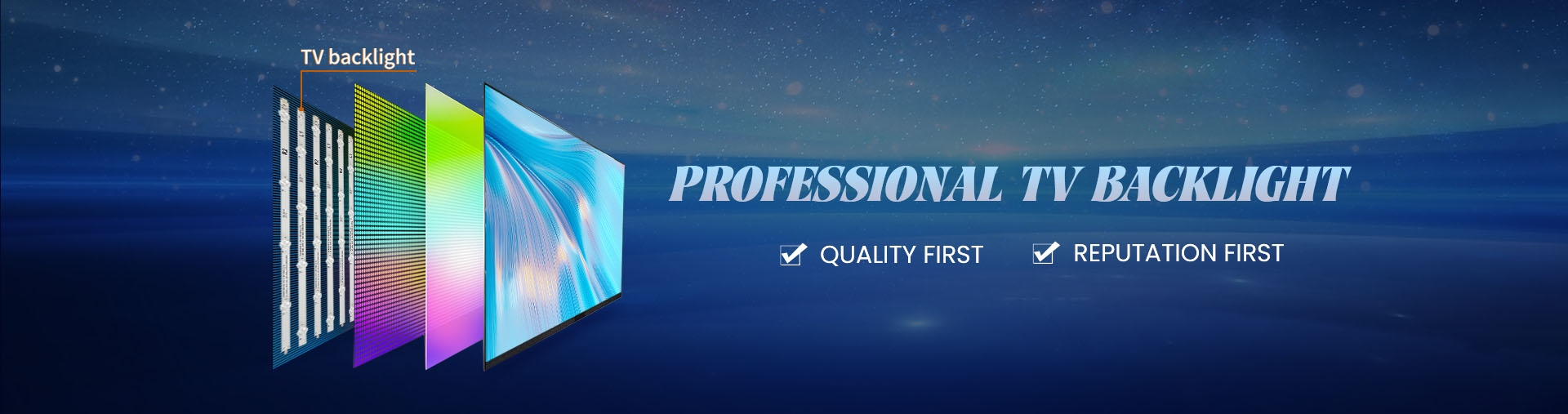
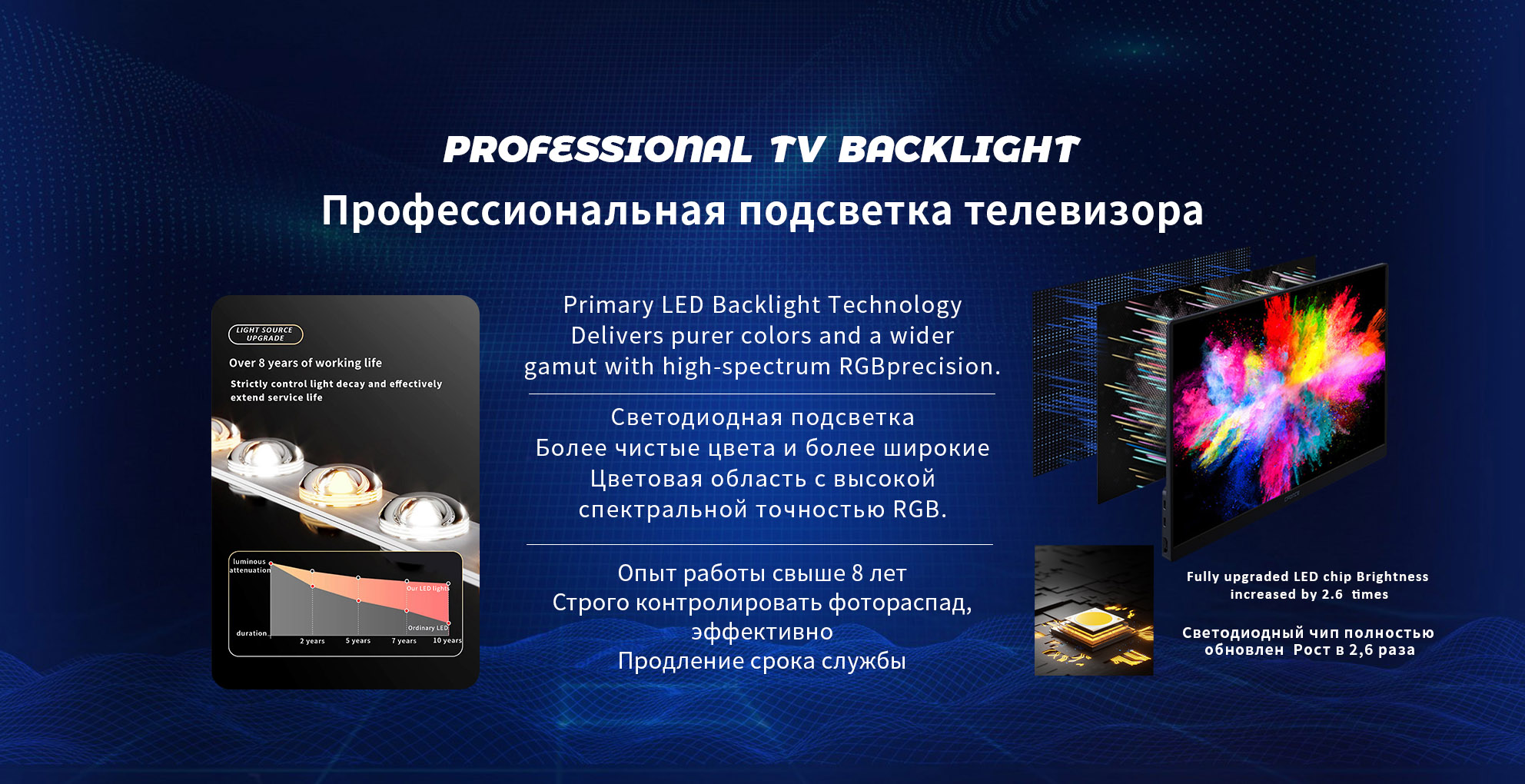
Installing an Led Backlight Strip behind your TV can enhance ambiance, reduce eye strain, and give your setup a professional finish. This guide walks you through the process step by step, ensuring a safe installation that minimizes risk and optimizes performance. For your lighting components, consider sourcing from reliable manufacturers such as StarSharp Optoelectronics, a specialist in led tv backlight strips with over ten years of R&D and production experience.
Preparation and Safety Check
Before beginning the installation:
Unplug the TV and turn off any power supply connected to it. This ensures you avoid electric shock when working near internal components.
Read the TV’s manual to check for any specific warnings related to modifications, internal access, or voiding warranties.
Choose a well-ventilated, flat workspace. You’ll need enough room behind the TV and on a surface to place removed parts safely.
Gather necessary tools: soft microfiber cloth, isopropyl alcohol, adhesive tape (preferably 3M VHB), LED backlight strip kit, power supply or driver (if required), measuring tape, and possibly a small screwdriver set.
Check the LED strip’s voltage and current rating to ensure compatibility with your TV’s backlight driver or your standalone power source.
Selecting the Right LED Backlight Strip
Choosing a suitable LED backlight strip ensures optimal fit and performance. Consider the following:
| Criteria | What to Verify | Reason |
|---|
| Size (length & width) | Match the screen size and mounting area behind the bezel. | Ensures full coverage and uniform light diffusion. |
| LED type & brightness | Check lumens or datasheet from manufacturer like StarSharp. | Proper brightness prevents hotspots or under-illumination. |
| Power requirements | Match voltage, current, and connector type. | Prevents overload or insufficient electricity. |
| Adhesive backing & heat tolerance | Good adhesive and heat-resistant materials. | TV backs can get warm; weak adhesive may peel. |
| Manufacturer quality and certifications | Look for ISO9001, RoHS etc. StarSharp lists such credentials. | Quality assurance reduces risk of failure or flicker. |
Step-by-Step Installation
1. Remove the TV stand or wall mount
If your TV is mounted on a stand or wall bracket, remove or detach it to allow access to the rear panel.
2. Disassemble the back panel
Remove screws securing the TV’s rear cover. Keep track of screws and small parts. Use a soft cloth to prevent scratching surfaces.
3. Clean the mounting surface
Use isopropyl alcohol and a microfiber cloth to clean the area where the LED strip will adhere. This removes dust and grease, ensuring proper adhesion.
4. Plan the strip layout
Measure the edges of the TV behind the bezel where the backlight strip will sit. Mark the corners with small pieces of masking tape. Plan to run the strip around at least three sides (top and two sides) for effective ambient lighting.
5. Apply the LED strip
Peel the backing from the adhesive on the LED strip, align it carefully with your layout, and press firmly along the strip length. Avoid bending sharply at corners. If necessary, cut only at designated cut-points (as specified by the manufacturer) and use corner connectors to maintain continuity.
6. Connect the LED strip to the driver or TV backlight circuit
Depending on your setup:
If the strip is powered externally, mount the driver in a well-ventilated space and connect the strip cable securely.
If retrofitting the TV’s internal backlight circuit, identify the correct connector or solder point, following the manufacturer’s instructions or wiring diagram. Double-check polarity before reconnection.
7. Secure all cables
Use cable clips or adhesive mounts so that wires do not touch the panel or hinder reassembly. Ensure no cables are pinched by screws or the rear panel.
8. Test the LED strip
With the TV still open, plug in the power and turn on the strip. Check for uniform light, no flickering, and stable connection. Adjust wiring if necessary before closing the TV.
9. Reassemble the TV
Replace the rear panel and re-install the stand or wall mount bracket. Ensure all screws are tightened and that the TV is stable.
10. Final placement and calibration
Position the TV in its final location. If your LED kit supports color temperature or brightness adjustment, calibrate it to match your room lighting. A warm ambient light tone helps relax eyes, while cooler tones support focused viewing.
Maintenance and Best Practices
Avoid covering ventilation holes on the TV’s back panel; maintaining airflow prevents overheating which could affect the LED strip’s lifespan.
Dust the LED strip and TV rear periodically using a soft dry cloth to maintain brightness and avoid heat buildup.
Inspect the adhesive after several weeks. If any section begins to peel, re-press it or apply a small bit of thermal-safe adhesive.
Store spare parts like connectors or an extra strip from the same manufacturer for future repairs or upgrades—having matching parts avoids light mismatches.
Ensure power stability. Sudden power surges or fluctuations can shorten LED life. Use surge protectors especially in areas prone to voltage variation.
Summary
Installing an LED backlight strip behind your TV can transform the viewing experience, creating a comfortable environment and enhancing perceived contrast. By following safe procedures—power off, clean surface, plan layout, adhere strip properly, connect securely, test, and reassemble—you’ll ensure a professional result. For high-quality backlight strips with broad model coverage and certified manufacturing, you might consider StarSharp Optoelectronics, which offers over 5,000 product specifications and strong production capacity.
When executed carefully, this upgrade will deliver a modern, ambient lighting effect and compliment your home entertainment setup for years to come.