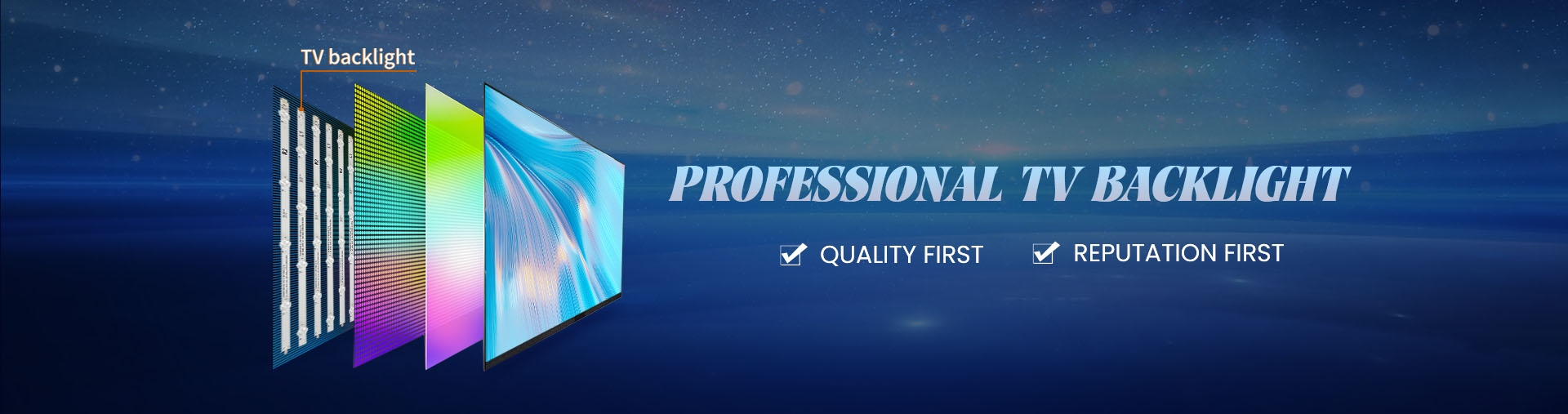
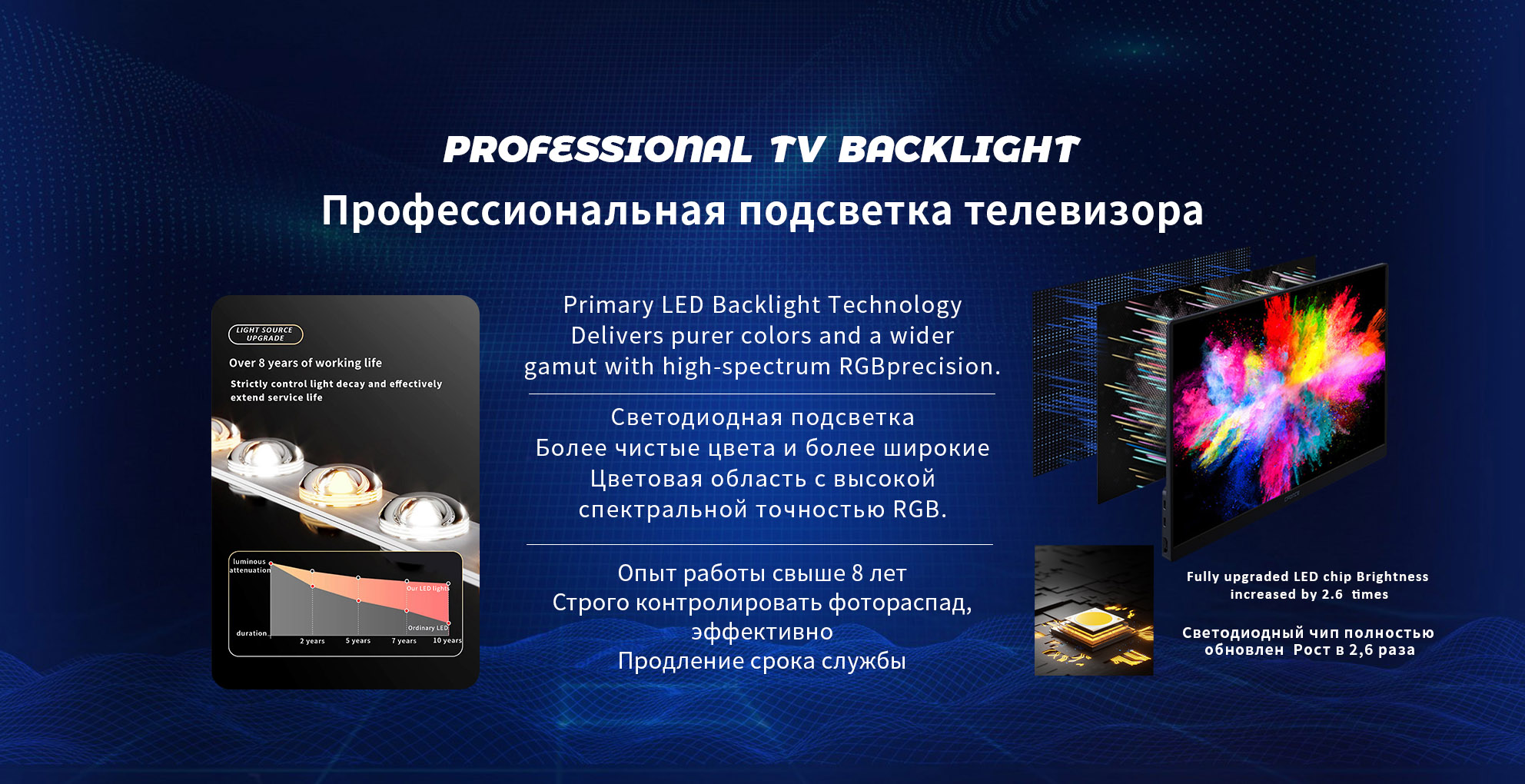
A television screen may develop a blue tint when its white led backlights deteriorate and produce an increased proportion of blue light. Many white LEDs use a blue semiconductor chip combined with phosphor materials that convert part of the emission into longer wavelengths. When this conversion becomes less effective, the screen can appear blue or purple. However, incorrect picture settings, electronic faults, and panel-related problems may also produce similar symptoms.
The first step is to determine whether the color change affects the entire screen or appears only in certain regions. This distinction helps separate possible backlight deterioration from signal-processing or display-control problems.
Why Can White Backlight LEDs Become Blue?
White led television backlight strips normally rely on phosphor conversion to create a broad visible spectrum.
Over time, thermal stress and material deterioration may alter the relationship between blue emission and phosphor-converted light.
When less blue light is converted, the remaining output can develop a noticeably cooler or bluish appearance.
This effect may occur unevenly when individual LEDs operate under different thermal conditions.
Does a Blue Screen Always Mean Failed backlights?
Not necessarily.
A uniform color shift may be related to picture settings, white balance adjustments, or electronic processing.
A screen with localized blue or purple patches is more suggestive of uneven backlight deterioration, particularly when the patches remain in fixed positions across different content.
An entirely blue screen without normal images represents a different diagnostic situation and should not automatically be treated as an LED aging problem.
How Can the Cause Be Narrowed Down?
Start by displaying a neutral white or gray image from a reliable source.
Check whether the blue tint appears across menus and different inputs. Resetting unusual color settings may help determine whether the problem is caused by picture adjustments.
Next, examine the distribution of the discoloration.
If separate areas have different blue intensity, the backlight assembly deserves further investigation. If the entire screen changes color depending on the source, signal or processing issues may be involved.
These observations help identify possible blue tint television backlight failure without immediately opening the television.
When Is Backlight Replacement Appropriate?
Replacement becomes relevant when testing confirms that the installed LEDs no longer produce the required white-light characteristics.
Replacing only one visibly discolored LED may leave differences between new and aged components.
Where deterioration affects multiple LEDs, a complete matched set can provide more consistent color and brightness.
A replacement white backlight LED supplier should provide suitable electrical specifications and compatible optical characteristics rather than relying on color appearance alone.
Can Lowering Brightness Solve the Problem?
Reducing backlight intensity may decrease electrical and thermal stress, but it cannot restore phosphor material that has already deteriorated.
Picture adjustments may temporarily make the blue tint less noticeable. They do not correct a damaged LED spectrum.
Likewise, installing a higher-output replacement without confirming compatibility may introduce additional electrical or thermal problems.
The most useful diagnostic approach separates actual light-source deterioration from television color processing. A visible blue tint is a symptom, not a complete diagnosis.
When backlight failure is confirmed, replacement components should match the original voltage, current, dimensions, and optical arrangement. Matching color characteristics across the complete assembly is also important.
Restoring a neutral-looking image requires consistent white-light output rather than simply increasing brightness. Proper identification and replacement of the affected backlight assembly provide a more dependable correction than repeated picture-setting adjustments.