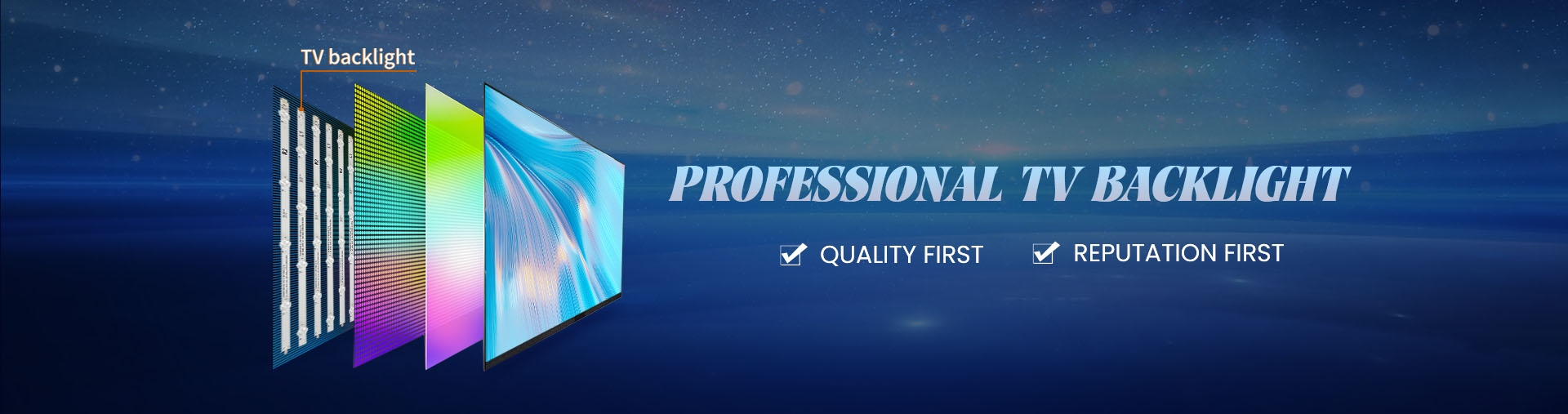
tv backlights can be checked without opening the television by observing screen behavior, performing a flashlight test, and reviewing the available picture and audio functions. These methods help determine whether a backlight failure is likely, but they cannot confirm which LED strip has failed. Accurate electrical testing normally requires access to internal components and suitable diagnostic equipment.
External diagnosis is useful because LCD panels are fragile and unnecessary disassembly increases repair risk. However, television led backlight testing equipment used for direct strip measurements should not be confused with simple non-invasive inspection methods.
First Determine Whether the Television Is Producing an Image
Start by powering on the television normally and confirming whether sound is present.
A television that produces audio but appears completely dark may have a backlight problem, although this symptom can also involve its power supply or control circuits.
Observe the screen closely in a dim room. Some backlight failures produce a brief flash during startup before the display becomes dark.
This behavior may indicate a protection event, but it is not enough to distinguish a defective LED string from a driver malfunction.
The Flashlight Test
The TV flashlight test backlight failure procedure is a practical way to check whether an LCD image remains visible without its normal illumination.
Follow this sequence:
Turn on the television and select a known active source or menu.
Reduce surrounding room lighting.
Shine a flashlight obliquely across the screen surface.
Look carefully for faint moving images, text, or menu outlines.
If a faint picture is visible while the screen remains dark, the LCD image-generation system may still be functioning. A backlight or backlight-power fault becomes more likely.
The result is not conclusive, and this method does not apply in the same way to self-emissive displays such as OLED televisions.
What If No Image Appears?
Failure to see an image does not prove that the LCD panel is damaged.
The flashlight angle, screen content, ambient lighting, or another electronic fault may prevent an image from becoming visible.
Check whether the television responds to remote commands, changes input sources, or produces menu sounds. Avoid repeatedly restarting equipment that shows signs of electrical malfunction.
Which Problems Cannot Be Confirmed Externally?
Without internal access, it is generally impossible to determine the exact failed LED, measure individual strip voltage, inspect connectors, or identify detached optical lenses.
Likewise, distinguishing an open LED string from a defective backlight driver usually requires internal electrical measurements.
Such testing should be performed by qualified technicians because televisions contain capacitors and circuits that may retain dangerous voltages after power is disconnected.
When Is Backlight Replacement Justified?
External symptoms should guide further diagnosis rather than trigger an immediate parts order.
A professional tv repair parts supplier may request the television model, panel information, and original strip identification to locate suitable replacements once the actual fault has been confirmed.
Ordering strips before distinguishing a driver fault from an LED failure can result in unnecessary repair expenses.
The main benefit of non-invasive testing is narrowing the diagnostic possibilities while protecting the display panel. A positive flashlight result supports further examination of the backlight system, but it does not identify the replacement model or establish that every strip is defective.
Before proceeding with disassembly, record the observed symptoms and verify the display type. Combining clear external observations with subsequent controlled electrical testing provides a stronger basis for deciding which components require replacement.